

Add an integration
- Select Add integration and choose a destination.
- Enter the destination’s connection details and credentials.
- Choose which events to export: blocked decisions, monitoring matches, evaluation failures, and/or allowed decisions.
- Select Connect, then use Test connection to send a test event and verify delivery at the destination.
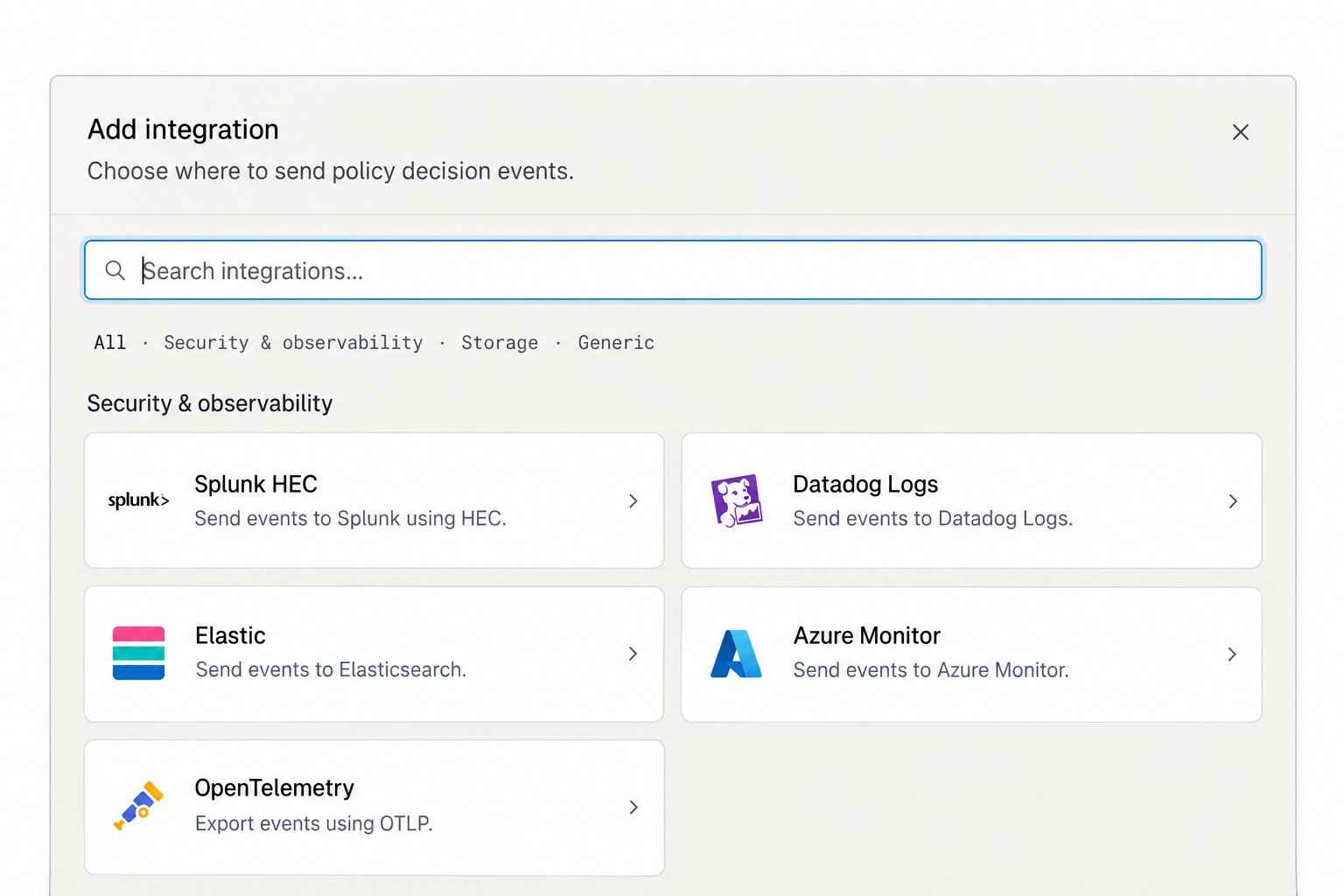
The destination catalog groups integrations by category.
Destinations
The integration list shows each connection’s status and last successful delivery. If a test fails, check the field-level error, endpoint, credentials, and destination permissions, then test again.
Policy events include the request and policy identifiers, outcome, check status, and per-policy results. They do not include the request or generated text. See Review policy decisions for the Console view.