> ## Documentation Index
> Fetch the complete documentation index at: https://docs.abliteration.ai/llms.txt
> Use this file to discover all available pages before exploring further.
# Web search on abliteration.ai
> Enable web search on abliteration.ai across OpenAI Chat Completions, OpenAI Responses, and Anthropic Messages — citations included.
**To enable web search on abliteration.ai**, turn it on under Account → Web tools in the [console](https://abliteration.ai/console), then send requests using the native web-search shape for whichever API surface you're calling. The model returns inline citations for any web sources it draws from.
Enable search directly on the request body.
Add search as a tool, with optional allow-list filters.
Add search as a tool, with allow and block lists plus location.
## Enable web search
### Any account
Turn on web search under **Account → Web tools** in the [console](https://abliteration.ai/console). Once on, pick the surface above and send requests using its native web-search shape. Per-request domain filters (where the surface supports them) pass through unchanged.
### Policy Gateway accounts
Everything above, plus per-project domain ceilings. Under **Project → Web tools**, set `allowed_domains` and/or `blocked_domains` on a project and they apply to every request made with that project's key.
These lists live on the project (not the policy).
#### How ceilings merge with per-request filters
When both a project ceiling and a per-request filter are set:
* **Allow lists** are intersected. The request's allow list must be a subset of the project's. Asking for a domain outside the project list returns `400`.
* **Block lists** are unioned. Project blocks always apply; request blocks (where the surface supports them) apply on top.
What each surface sends natively:
* **OpenAI Chat Completions** has no per-request allow or block field — the project ceiling is the only domain control.
* **OpenAI Responses** sends `include_domains` (allow) only — block comes from the project.
* **Anthropic Messages** sends both `allowed_domains` and `blocked_domains`.
If the project has neither list configured, per-request filters pass through unchanged.
## In practice
Web search works inside any client that talks to abliteration.ai.
### Codex CLI
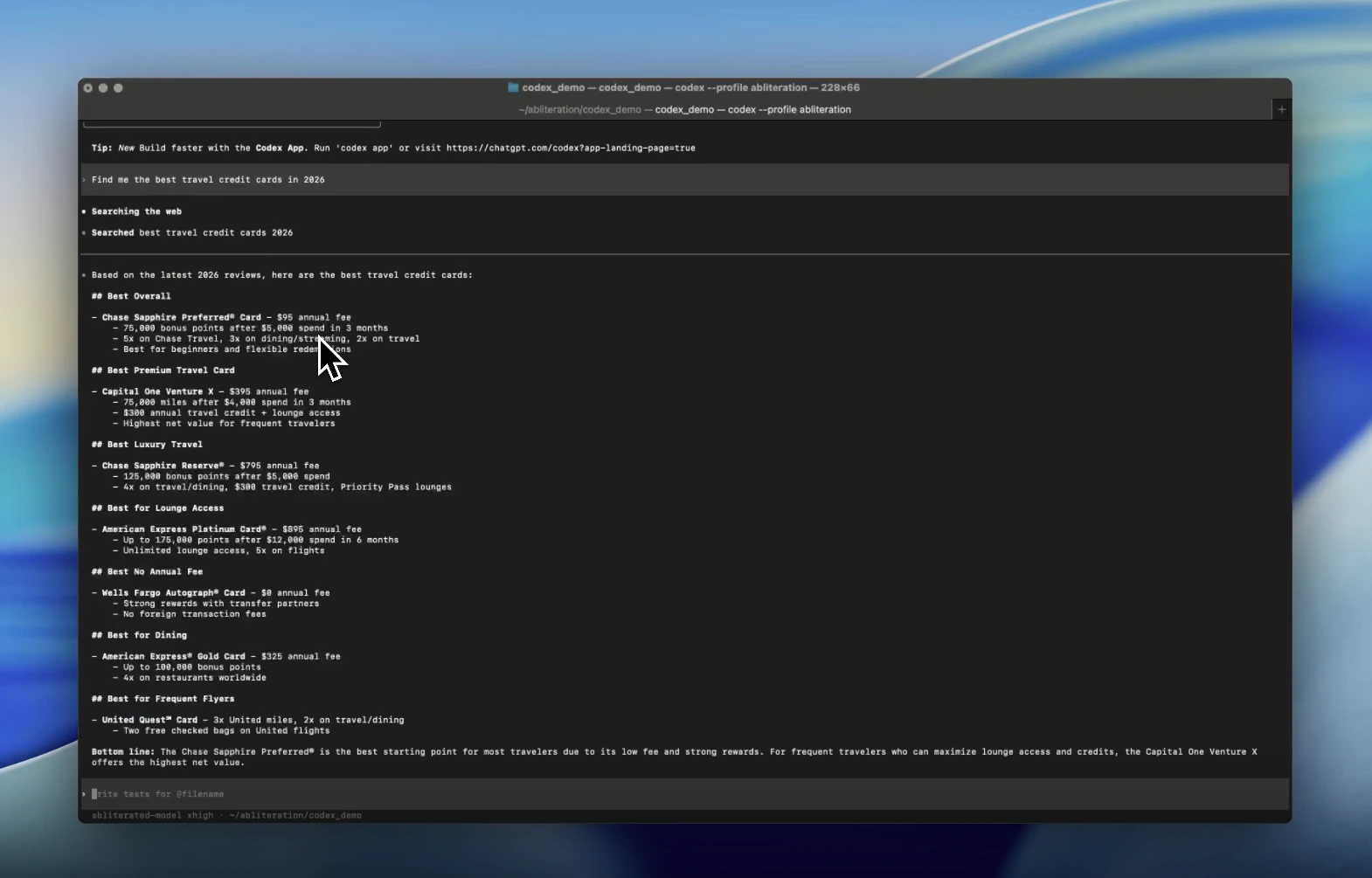 Enable by adding `web_search = "live"` to the abliteration profile in `~/.codex/config.toml`. Full setup → [Codex integration](/integrations/codex).
### Claude Code
Enable by adding `web_search = "live"` to the abliteration profile in `~/.codex/config.toml`. Full setup → [Codex integration](/integrations/codex).
### Claude Code
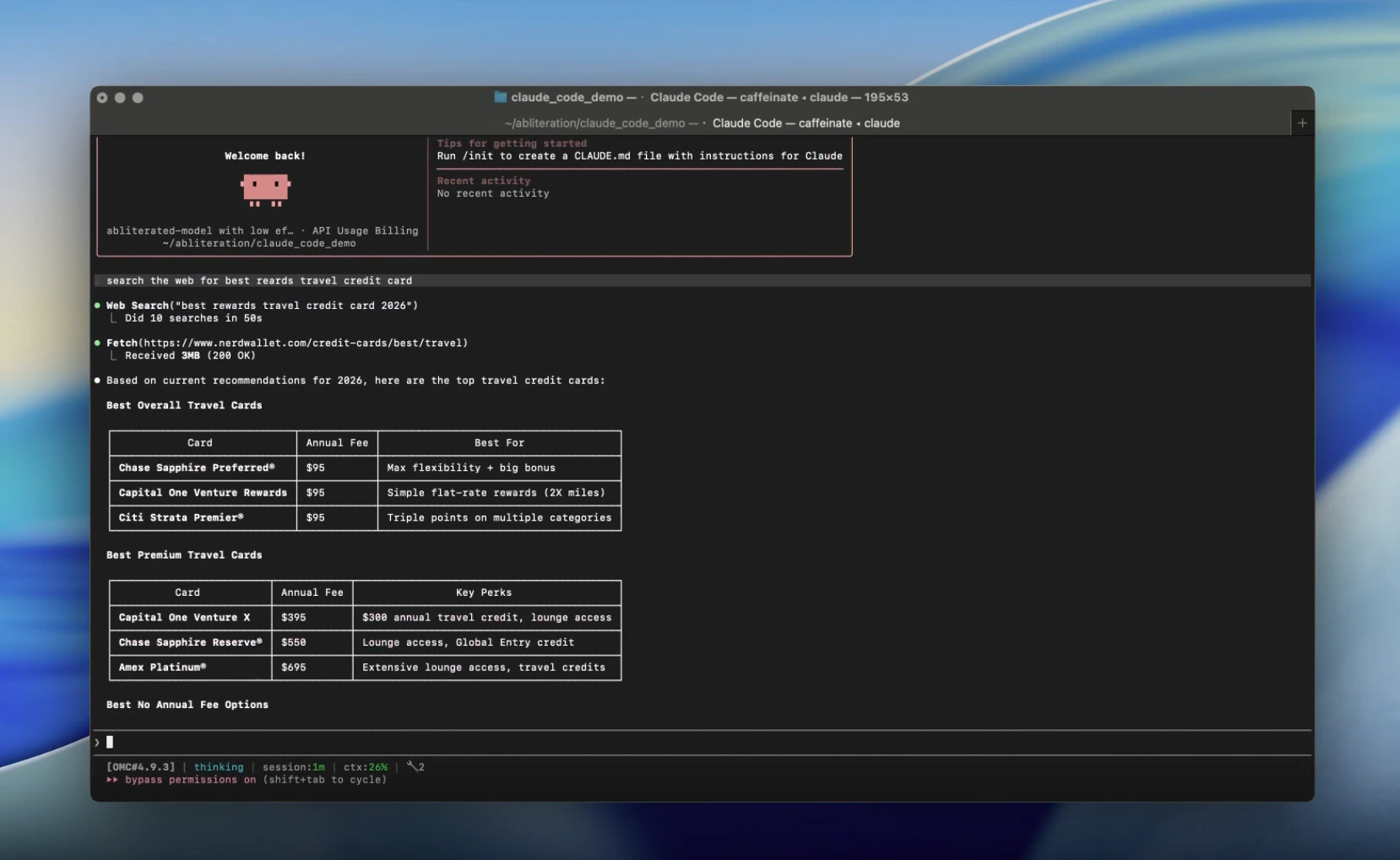 Full setup → [Claude Code integration](/integrations/claude-code).